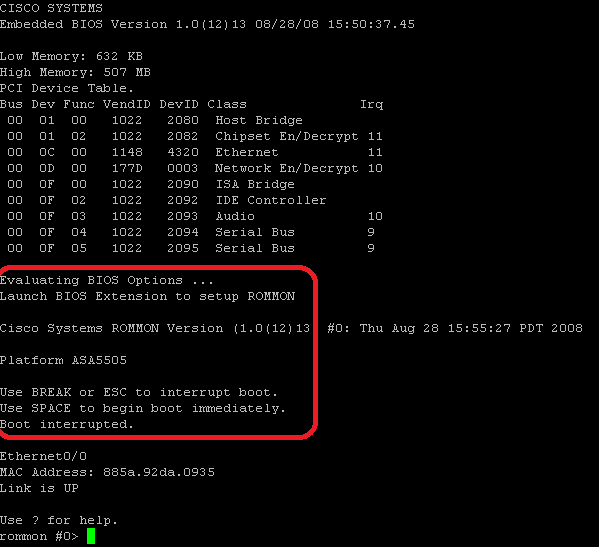
- Reload ASA and during reloading push “Break” or “Esc” button when prompted to ROMMON
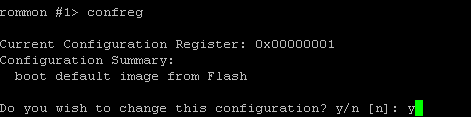
- Change registry value like below – (Note current Registry value) – in that case 0x00000002
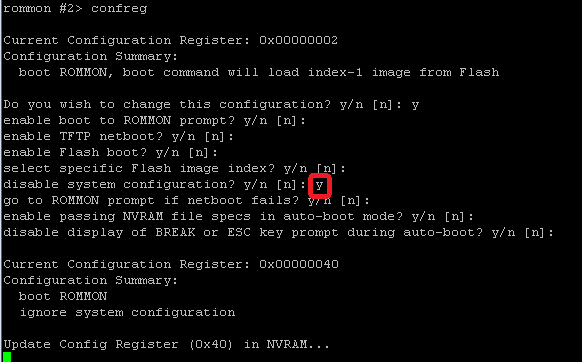
- reload ASA (rommon #x> boot ) – ASA will start with default settings instead of startup-config.
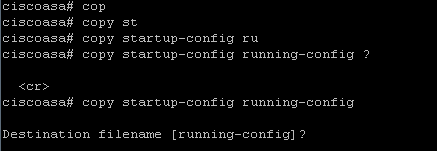
- go to enable mode and copy startup-config to running-config
- set new password

- configure old registry value
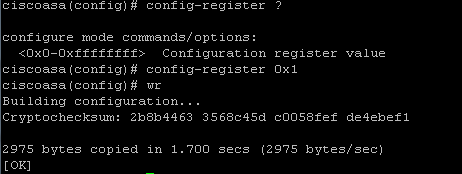
INFO: My old value was 0x0…2 but I wanted now to set 0x0…1
- save configuration and reload ASA